
Real estate photography and video
Turn Every Property Shoot Into a Complete Media Package
Turn the property photos you already capture into listing videos, vertical reels, branded deliverables and virtually staged media—without adding another night of editing.
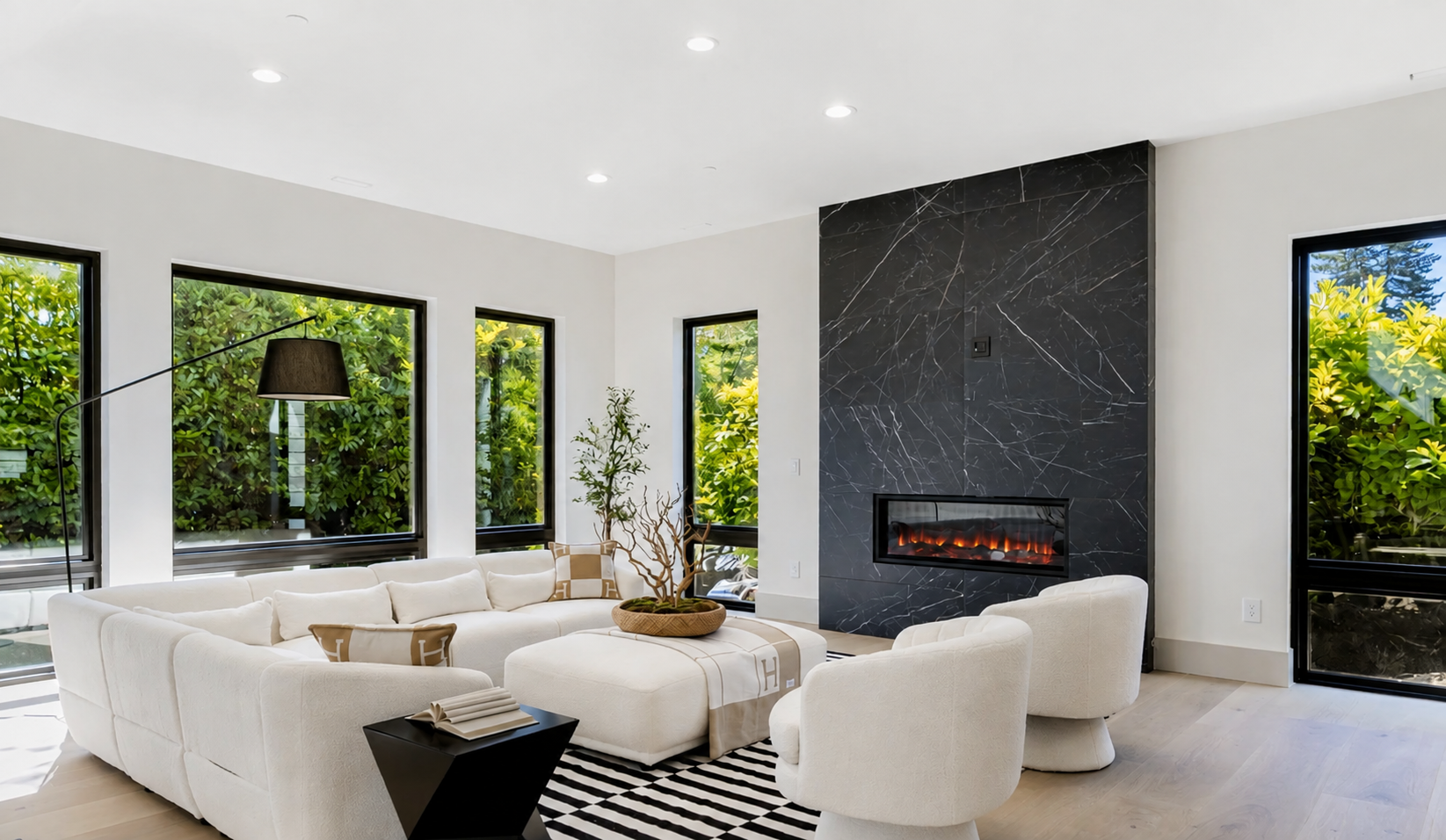 SOURCE / 01
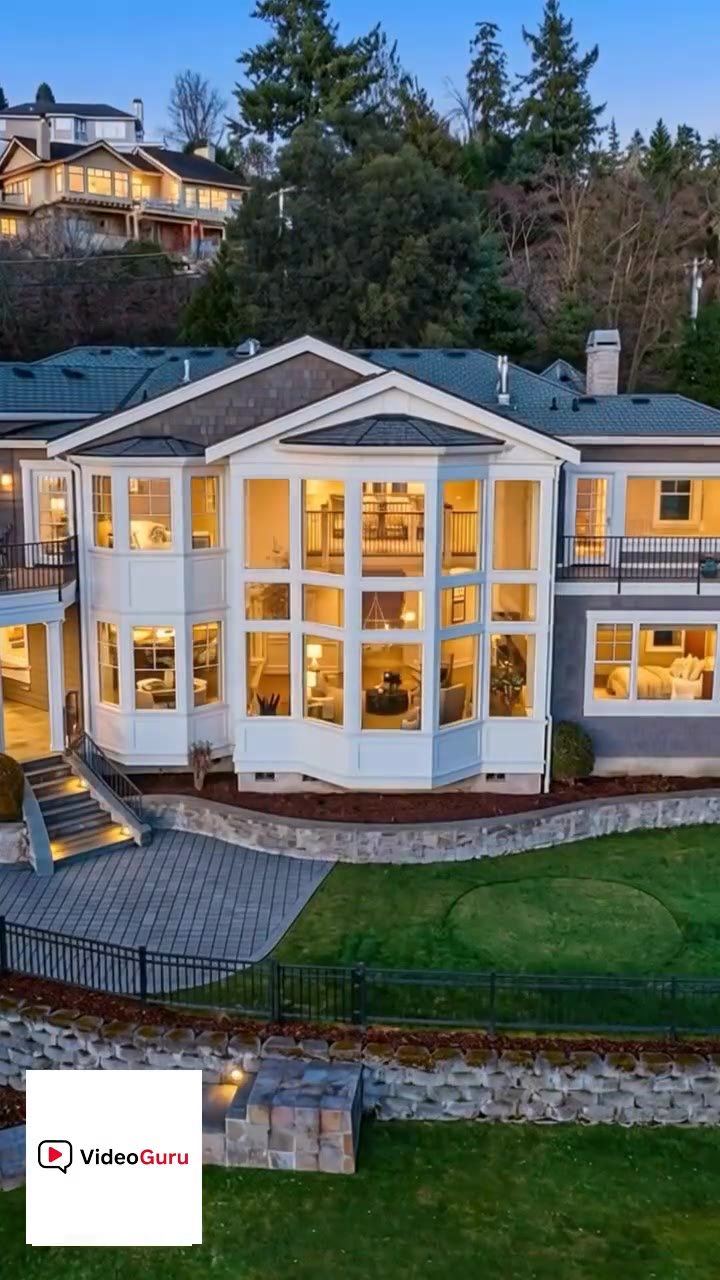 REEL / 9:16
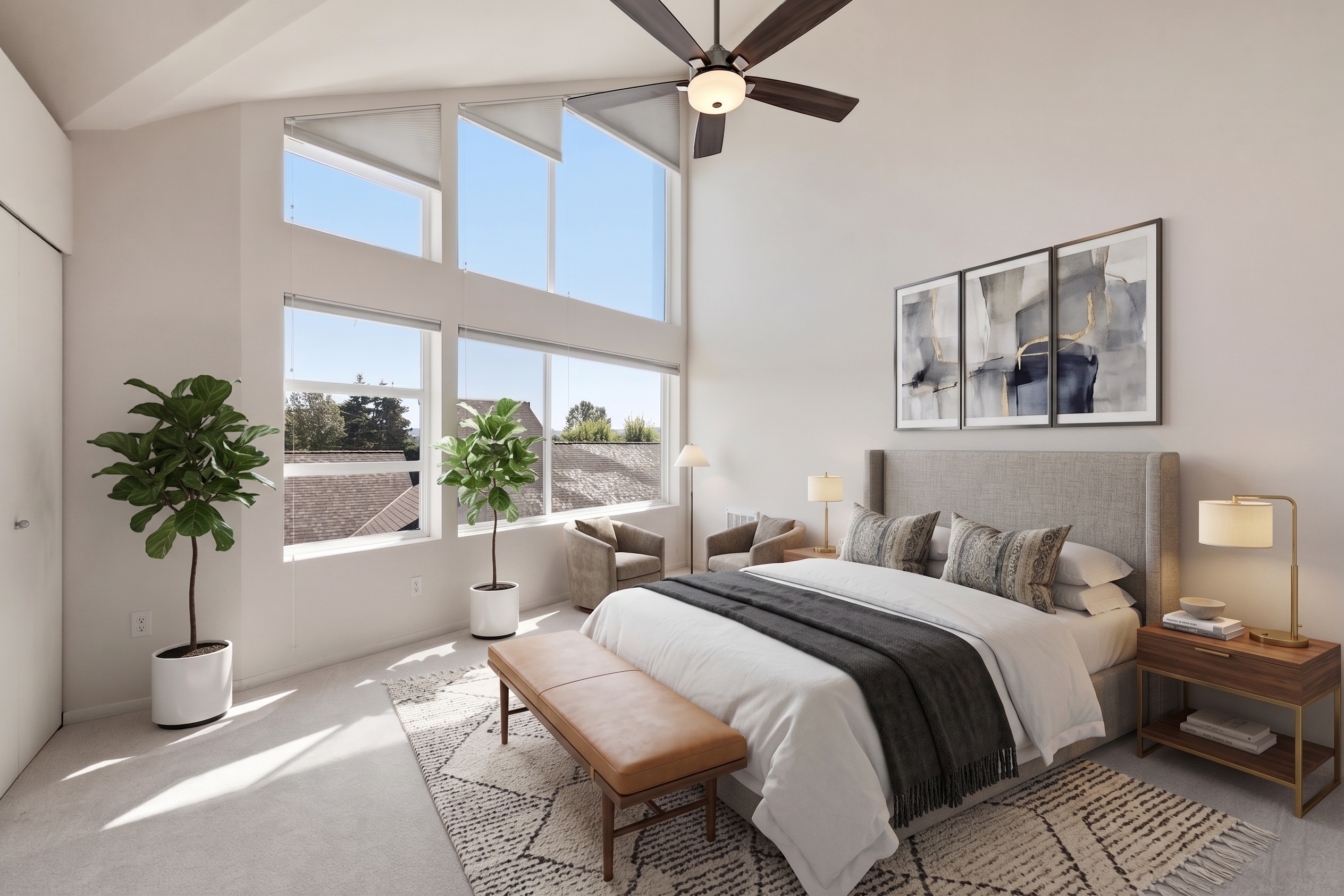 STAGED / 03
Package ready
Photos + Video + Reel + Staging
01THROUGHPUT
Your Workday Shouldn’t Start Again After the Shoot
Turn the real estate photography you already captured into video without scheduling more footage or rebuilding every version by hand. VideoGuru helps shape room order, camera motion, music, pacing, formats, and branding into a first delivery you can review.
Upload Photos
Use the files already captured on the shoot.
Generate
Build the first property story and motion.
Review
Keep your eye on sequence and presentation.
Export
Deliver the right channel-ready versions.
More listings delivered—not more nights spent editing.
02REVENUE
Create More Value From Every Property Shoot
Add more sellable deliverables without rebuilding your workflow.
One property shoot
Listing video
Social reel
Client version
Unbranded
Creative revenue layer
Add a Creative Signature to Every Property Story
Go beyond documentation. Create property stories people remember.
Effects library
Creative rule
Use effects on the strongest moments.
Create from photos, then add or adjust VFX on selected clips in Quick Edits or Studio.
REVENUE
Offer more differentiated, social-ready creative content as part of a higher-value media package.
CONTROL
Apply an effect only to the moments worth emphasizing, while keeping your own visual judgment in charge.
Revenue extension / Virtual staging
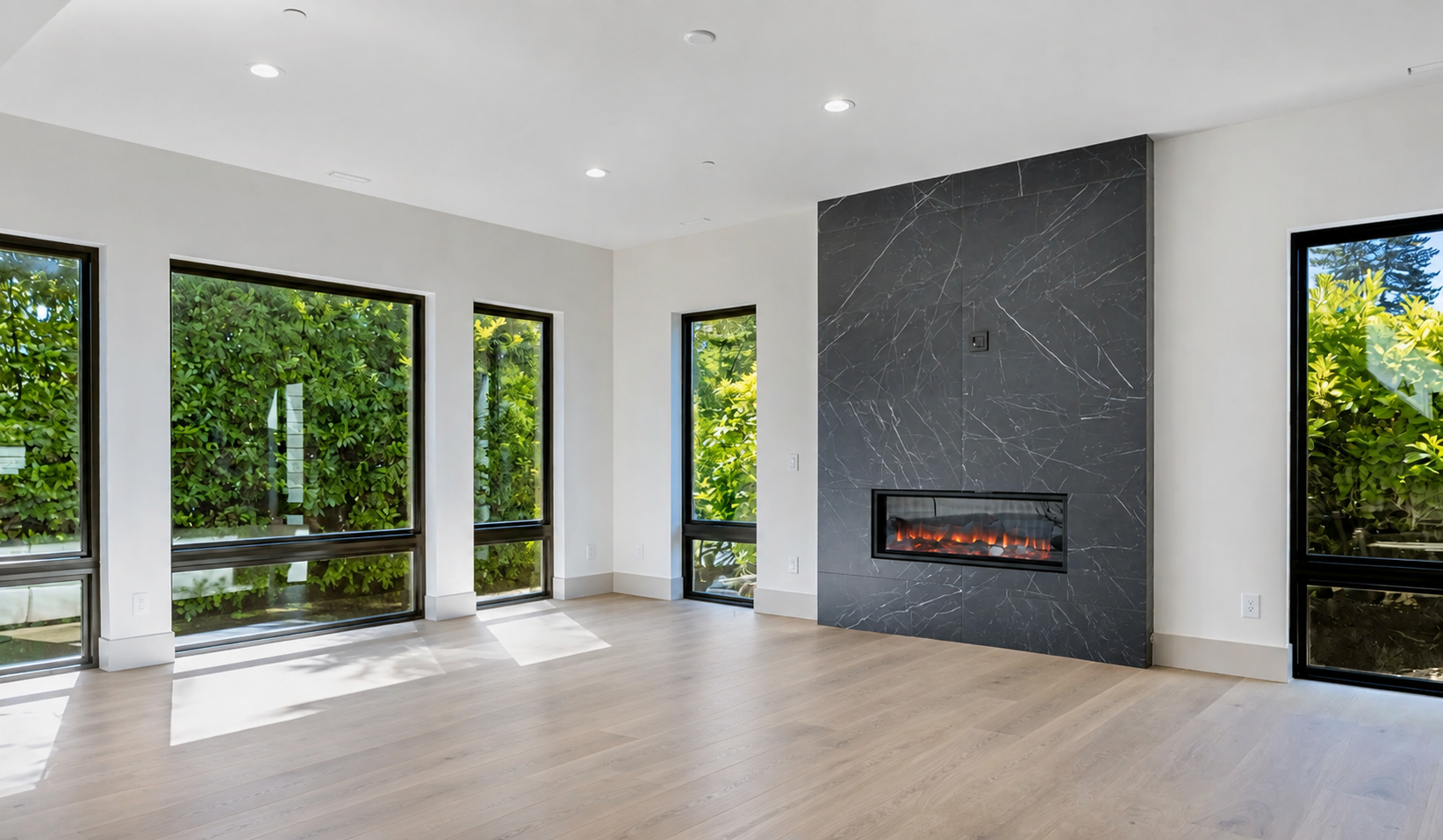
Stage the Photos—Then Bring Them to Life in Video
Deliver staged photos and staged video from the same project.
03CONTROL
Move Faster Without Giving Up Creative Control
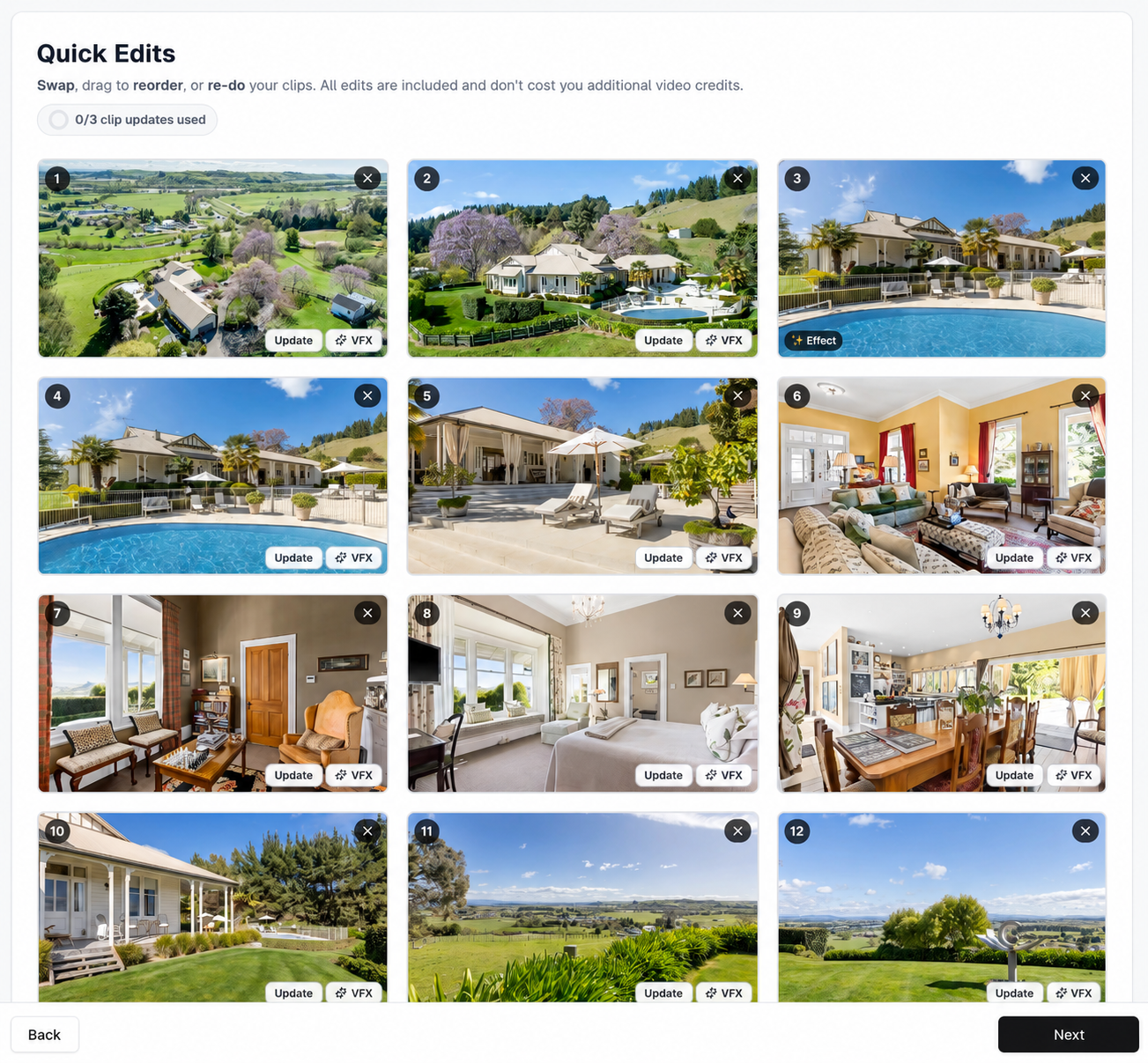
Fix the requested moment—not the entire project.
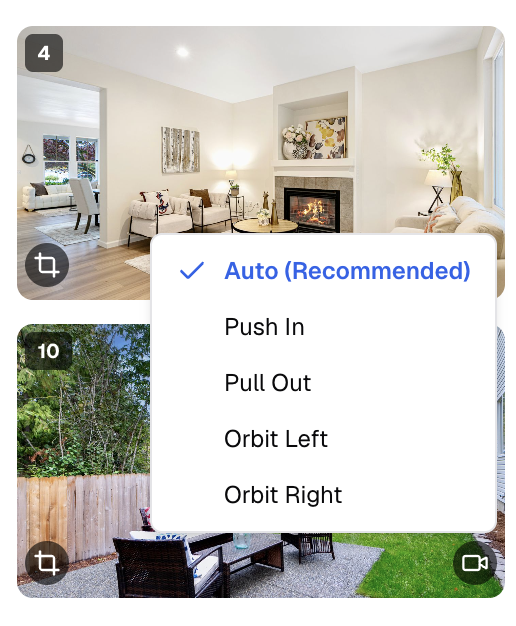
Quick Edits
Target the revision.
Keep the approved project intact and change only what the client requested.
Property accuracy
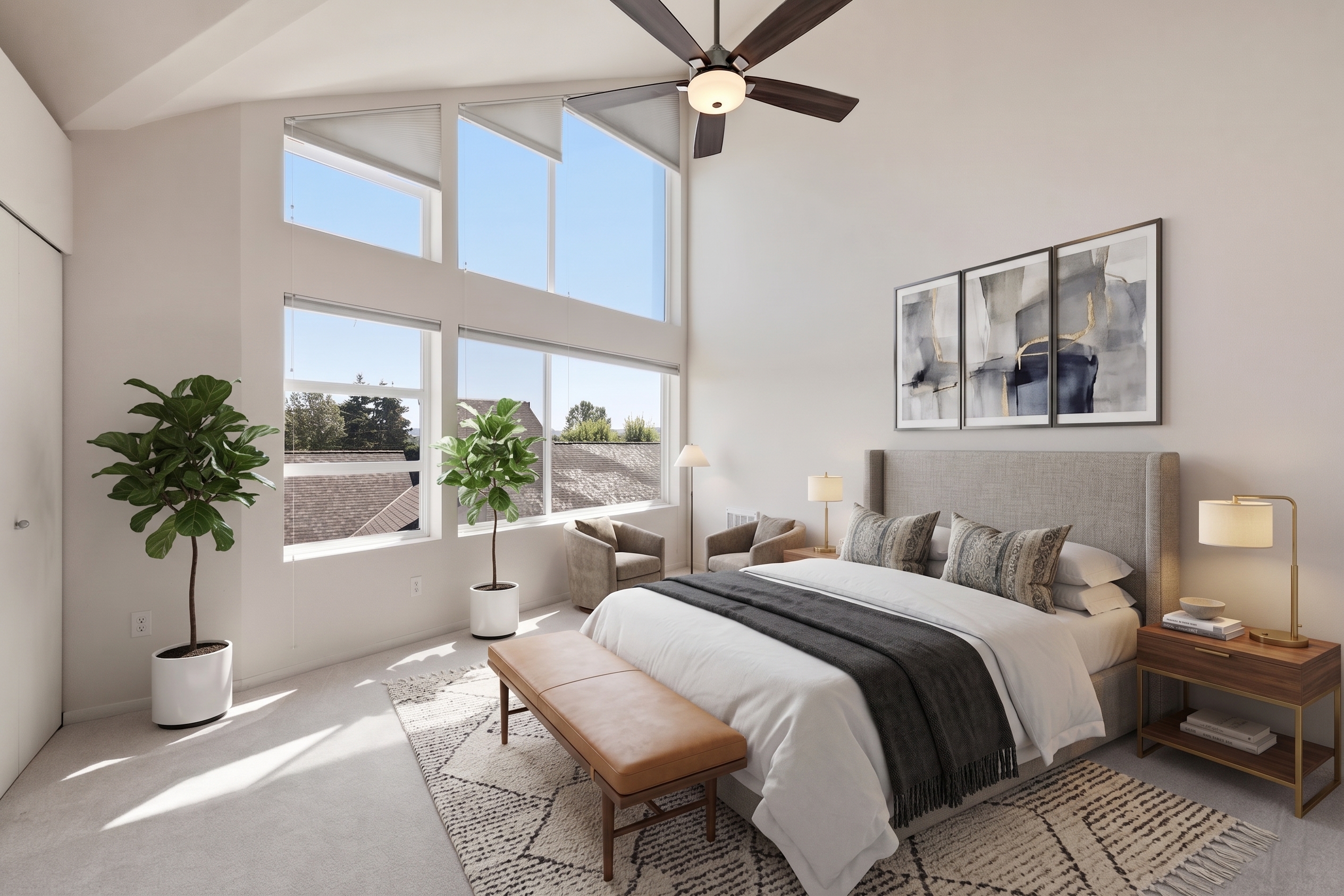
Multi-angle consistency
 ANGLE 01
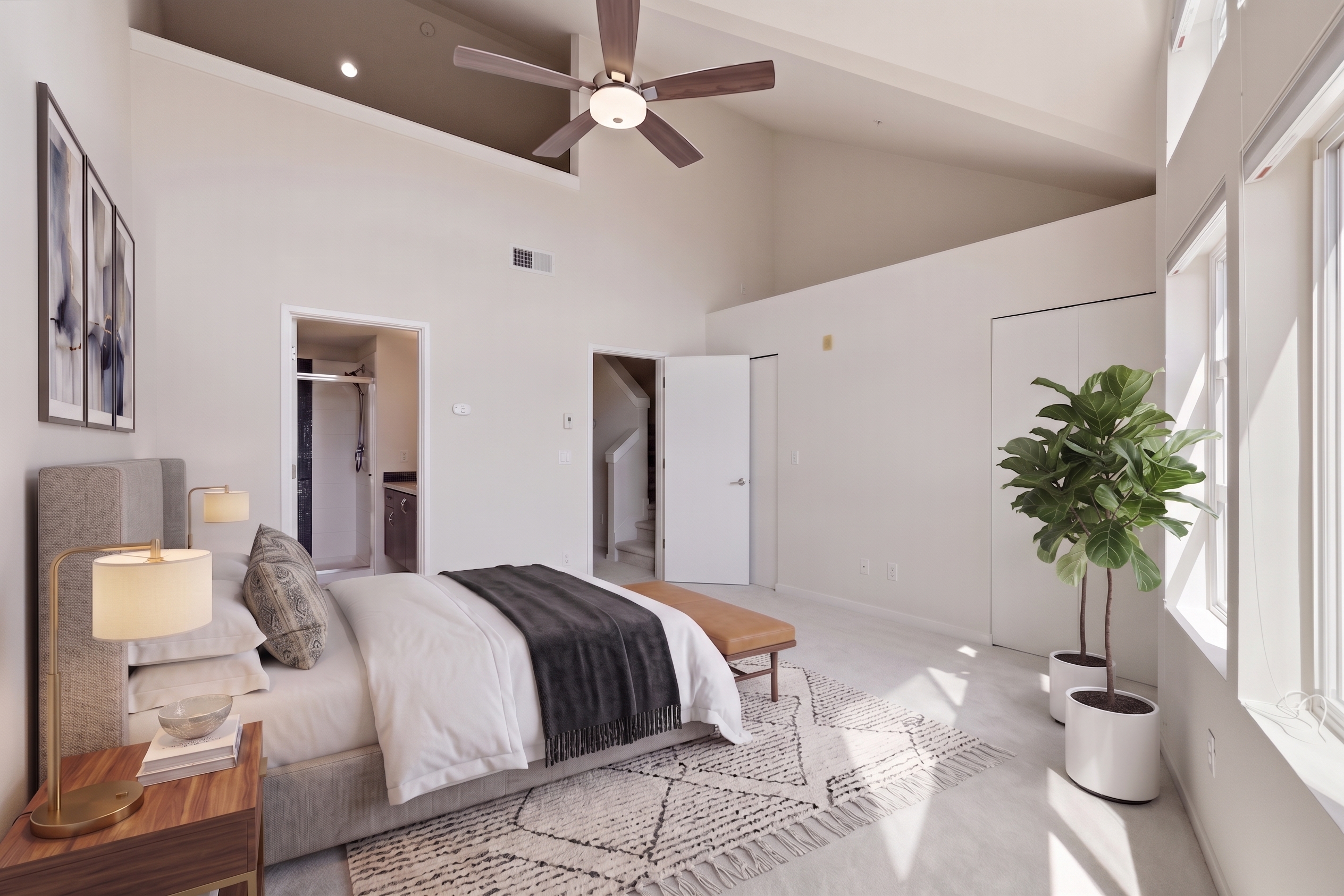 ANGLE 02
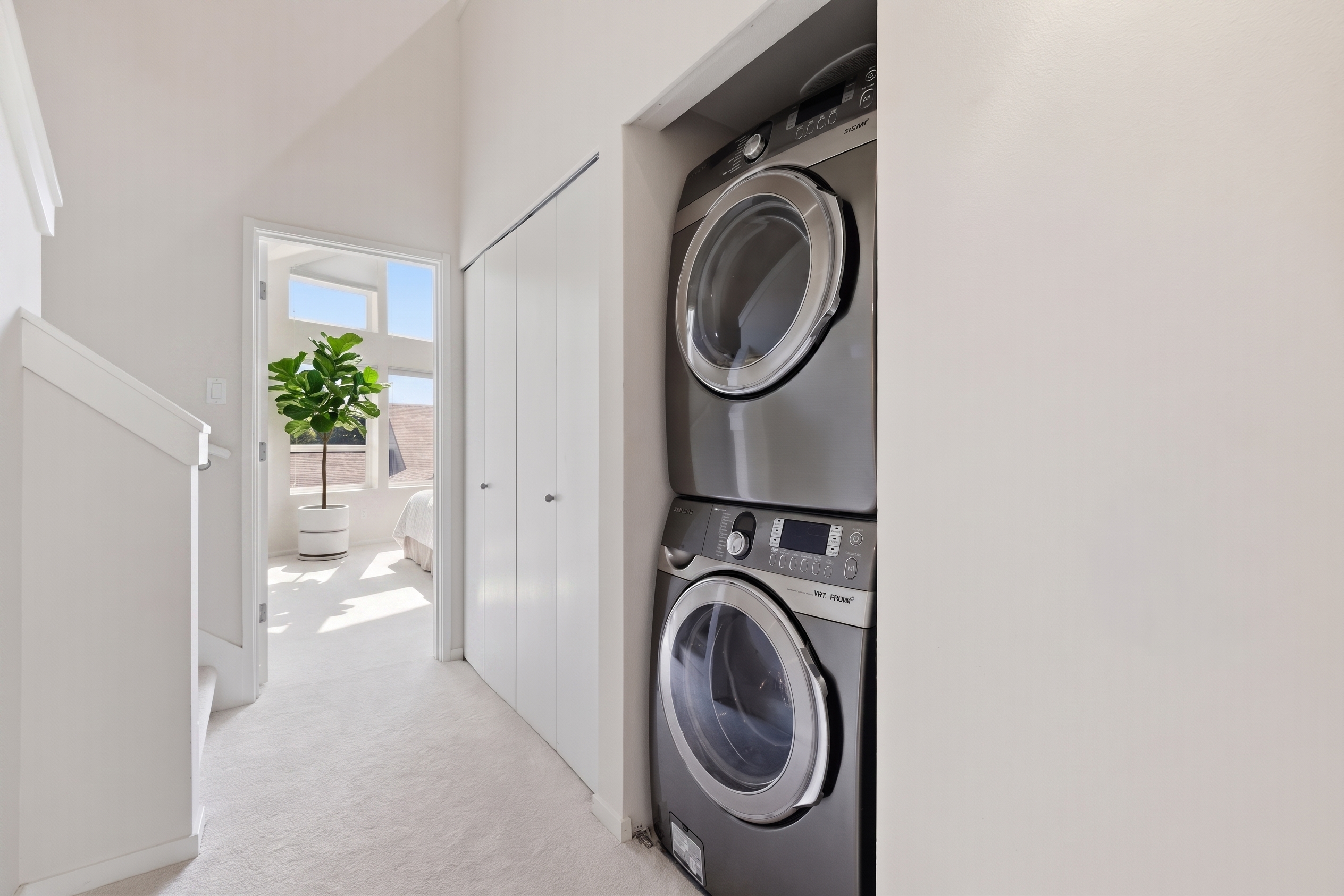 ANGLE 03
Keep furniture style, position, scale, and spatial relationships coherent across the same room.
Deliver faster without giving up control over what carries your name.
Need a More Polished Finish?
For luxury listings and projects that need closer creative attention, Premium Human-Assisted Editing combines VideoGuru’s AI-powered workflow with professional editing support.
Built around the way you work
Built for Solo Photographers and Growing Media Teams
Solo Photographer
Keep the shoot, the creative eye, and the client relationship—without letting post-production consume the evening.
Media Team
Build a clearer lane for standard projects while reserving closer creative attention for premium work.
Plans for every workflow
Choose the right starting point for a solo business or growing team.
FAQ
Questions From Behind the Camera
Straight answers about real estate photo-to-video, Viral Effects, staging, accuracy, and premium support.
Upload the property photos you already captured, choose and order the images, select the format and branding, then generate the first video. VideoGuru adds camera motion, pacing, music, and a property-focused sequence that you can review before export.
Throughput × Revenue × Control
Deliver More From Every Property Shoot
More Throughput. More Value Per Shoot. More Creative Control.