01
Show scale and possible use
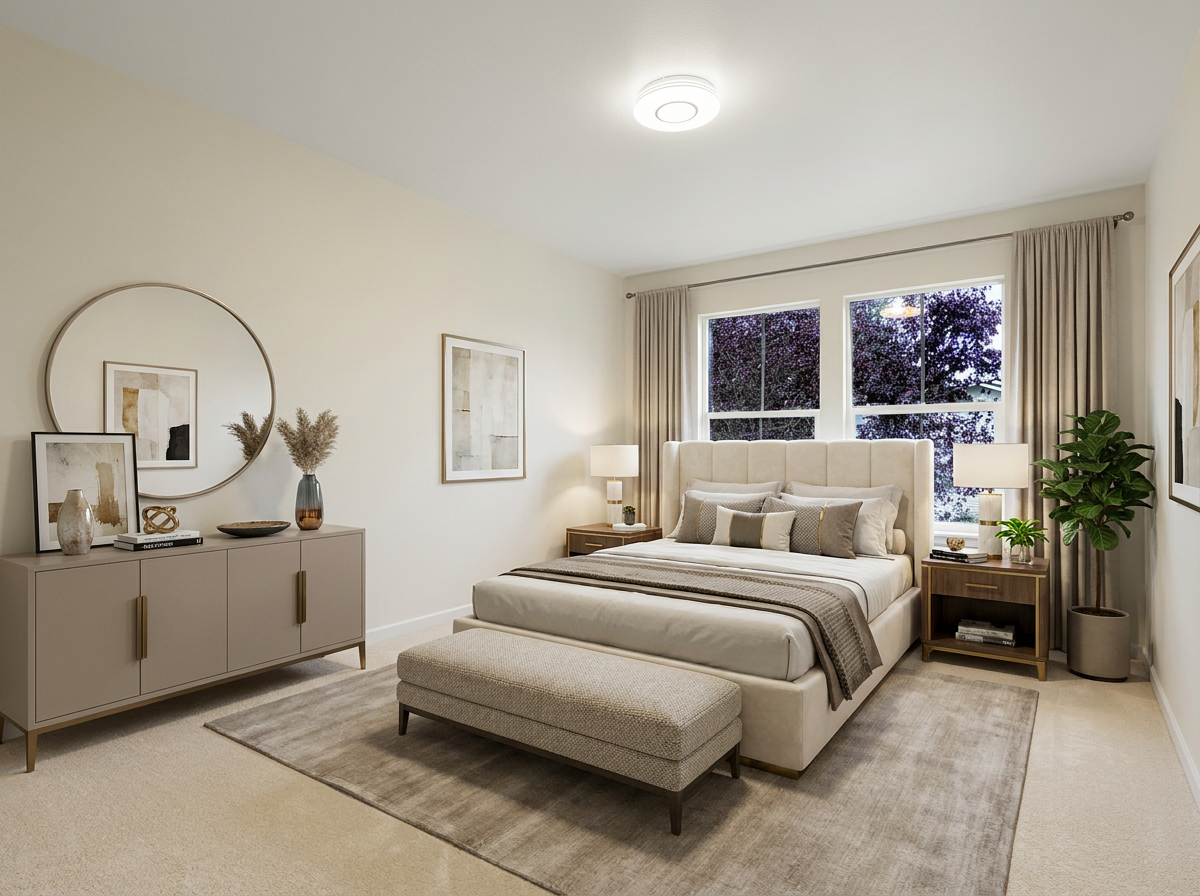
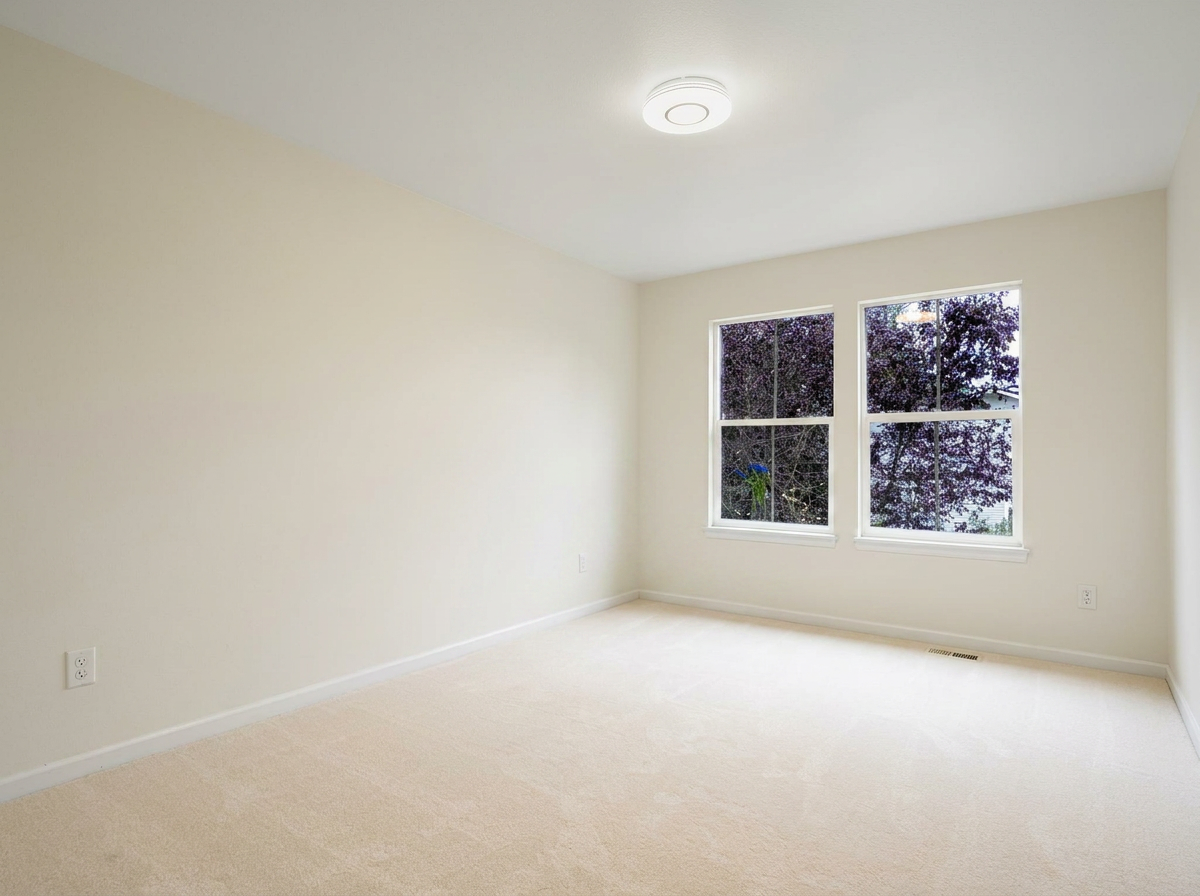
Give an empty living room, bedroom, or dining space enough visual context to feel understandable.

Virtual staging for real estate
Remove furniture, declutter rooms, replace dated furniture, and turn virtually staged photos into a real estate listing video in one connected workflow.
VideoGuru is virtual home staging software built for agents, brokers, photographers, and real estate media teams preparing listing content at repeatable scale.
Upload a room photo and choose the result you want. No Photoshop required.
Why it matters
An empty room can hide scale. Dated furniture can define the wrong style. Clutter can pull attention away from the property. AI virtual staging helps turn those common photo problems into a faster, reusable listing media workflow.
01
Give an empty living room, bedroom, or dining space enough visual context to feel understandable.
02
Reduce distractions and replace furniture that does not support the listing presentation.
03
Download the staged image or continue directly into a branded real estate video.
How it works
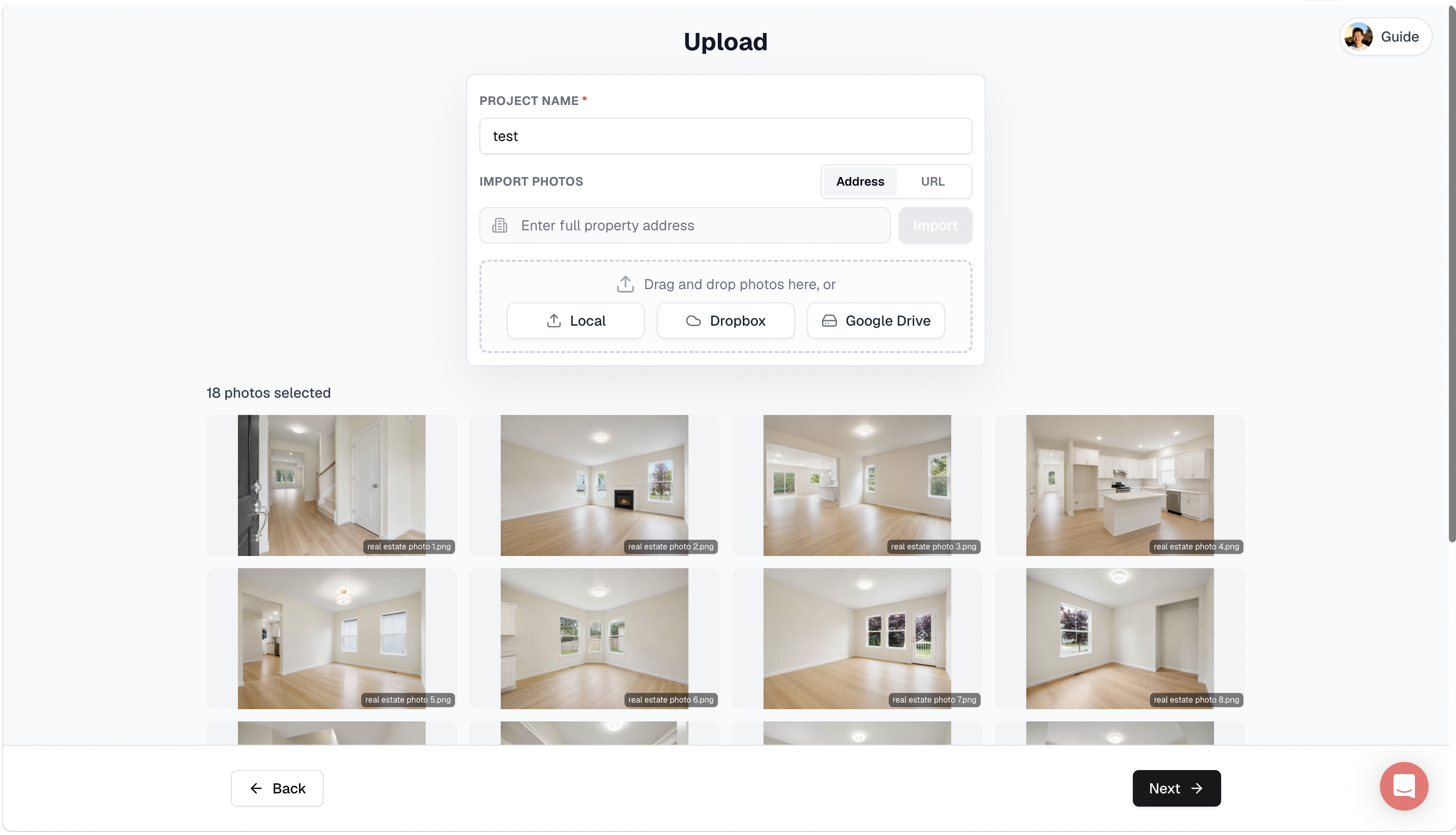
Upload, stage, and reuse your listing photos in one simple workflow.
Core features
Prepare the room first, then choose the presentation that fits the property and target buyer.
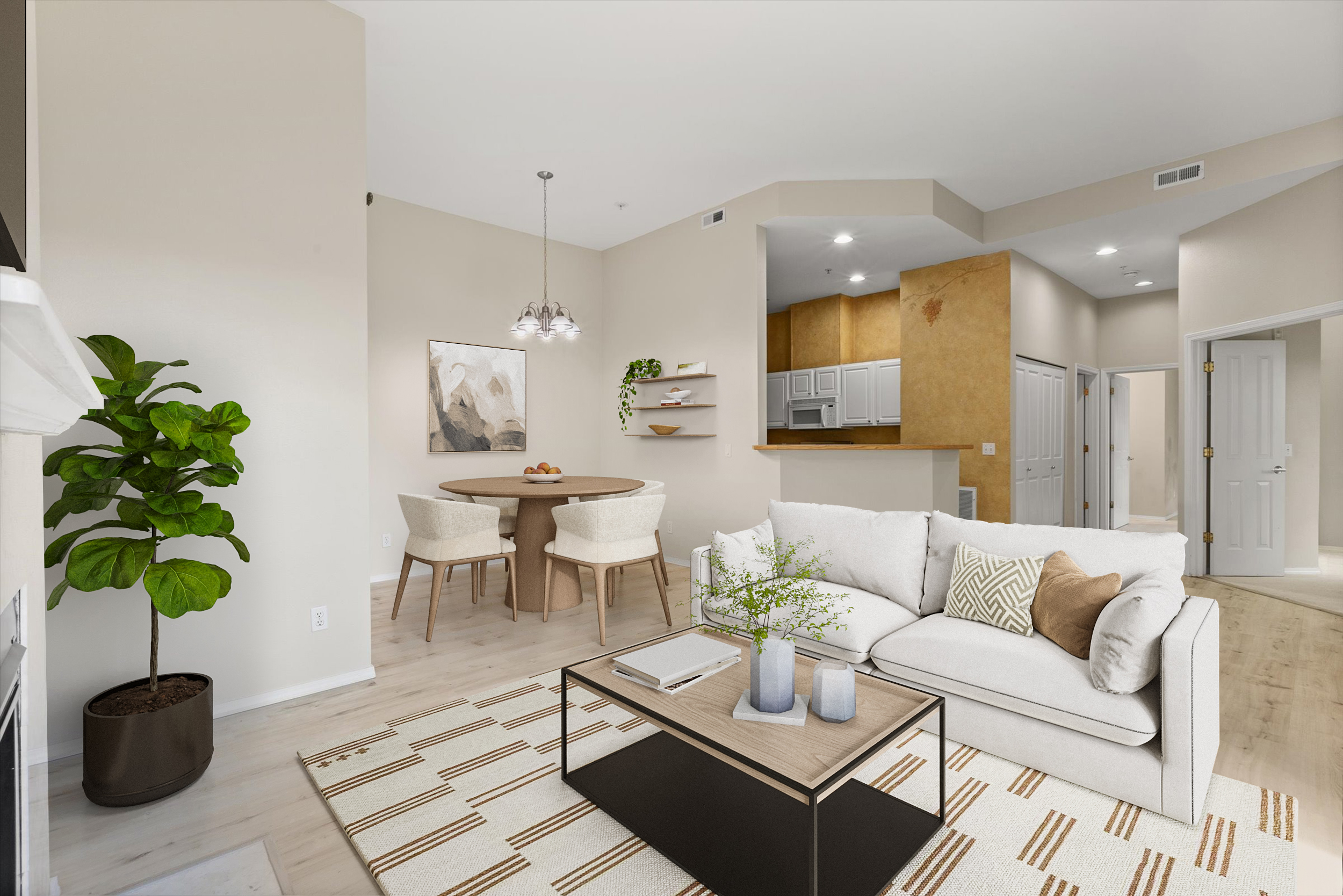
Furniture removal
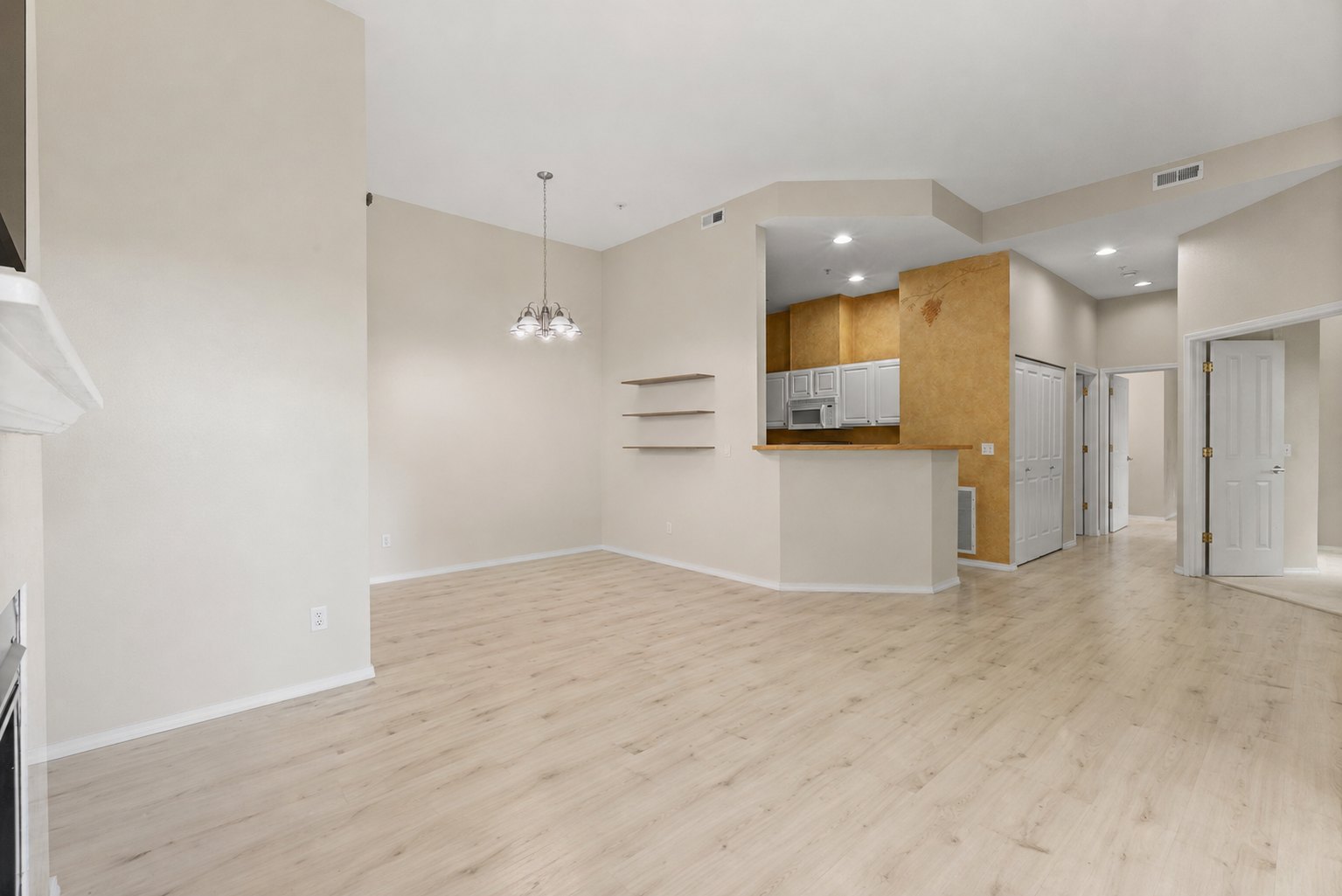
Remove existing furniture from a photo to reveal the room itself or prepare a clean foundation for a new virtual furniture style. Agents can present possibilities more clearly, while photographers can add a repeatable service without coordinating physical removal.
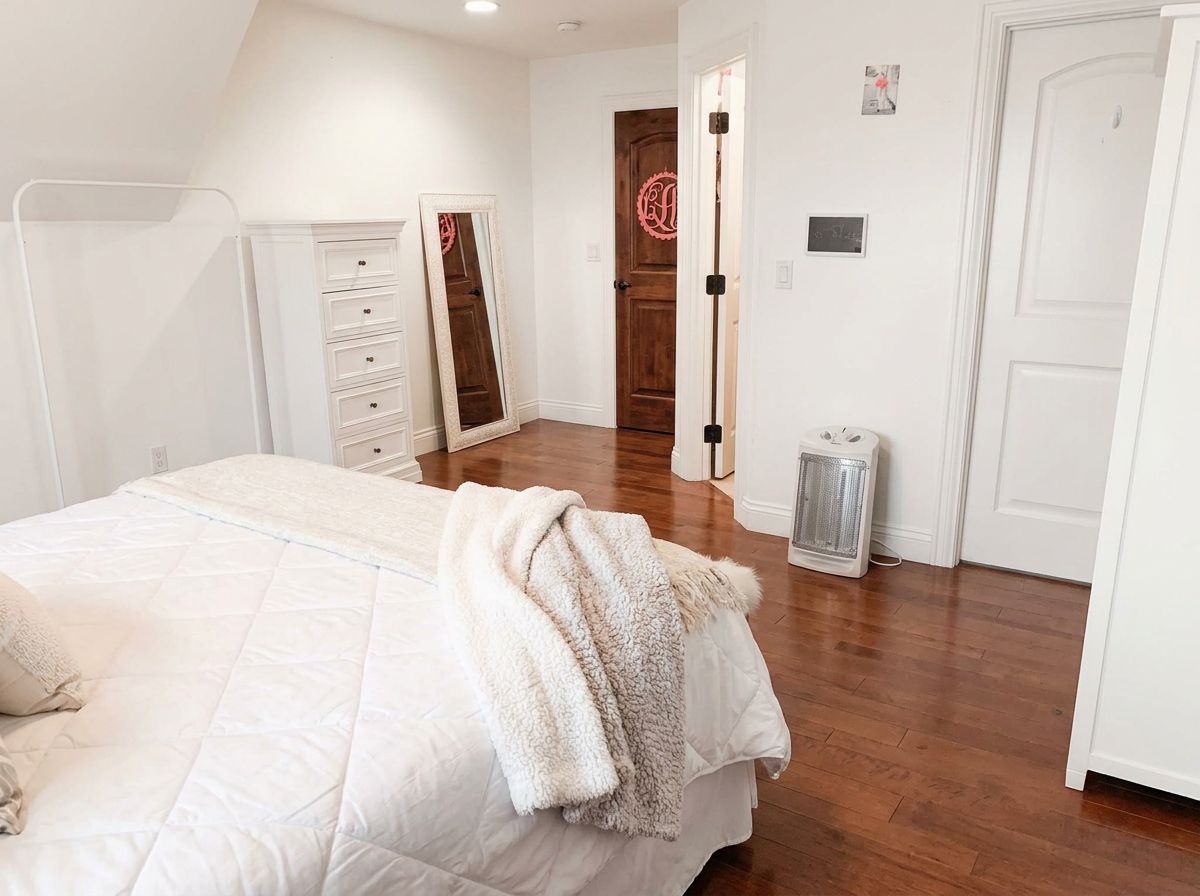
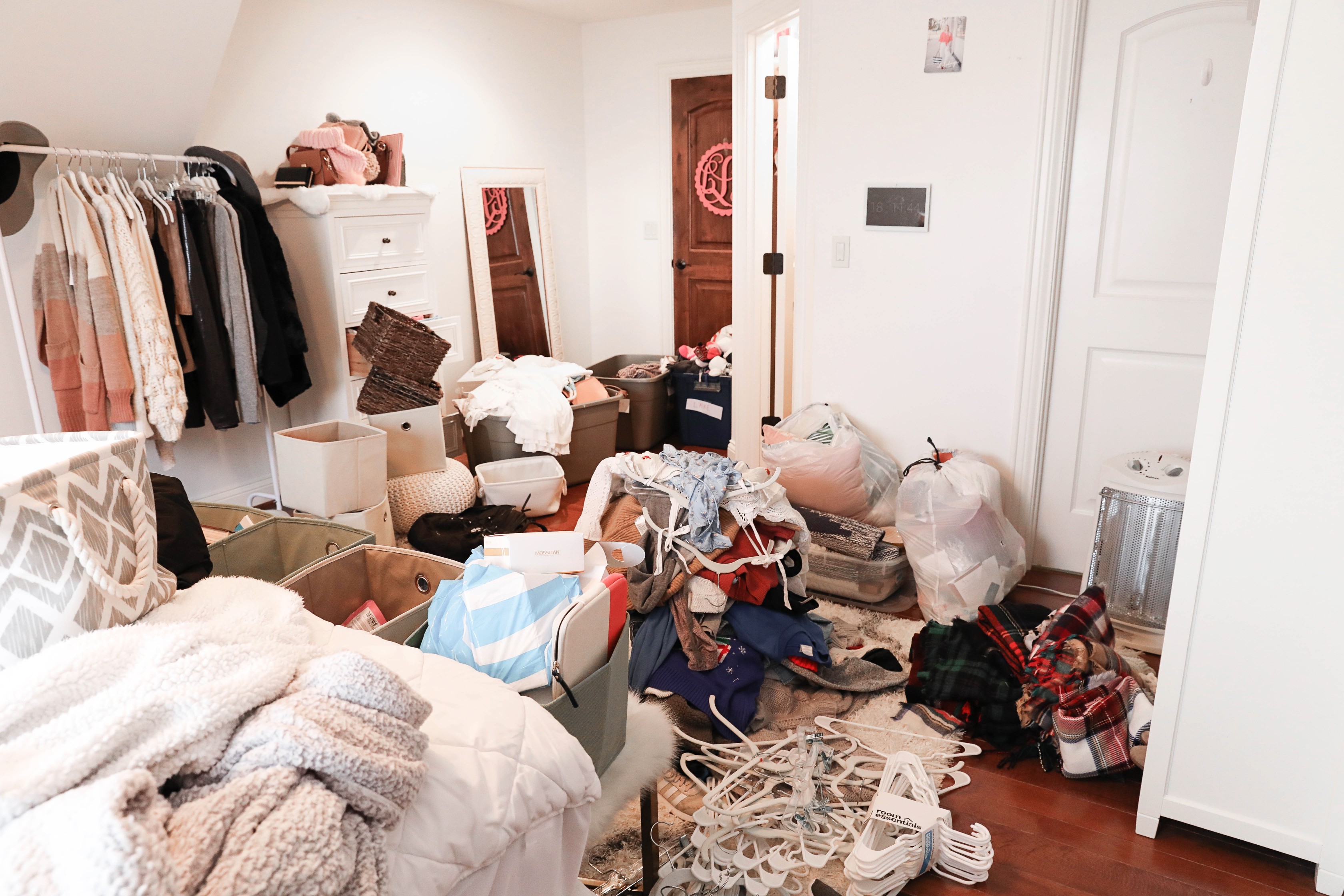
Declutter
Declutter real estate photos by reducing personal items and visual noise while keeping the visible structure of the room intact. The result is a calmer listing image that is easier to scan across MLS, property websites, and social media.
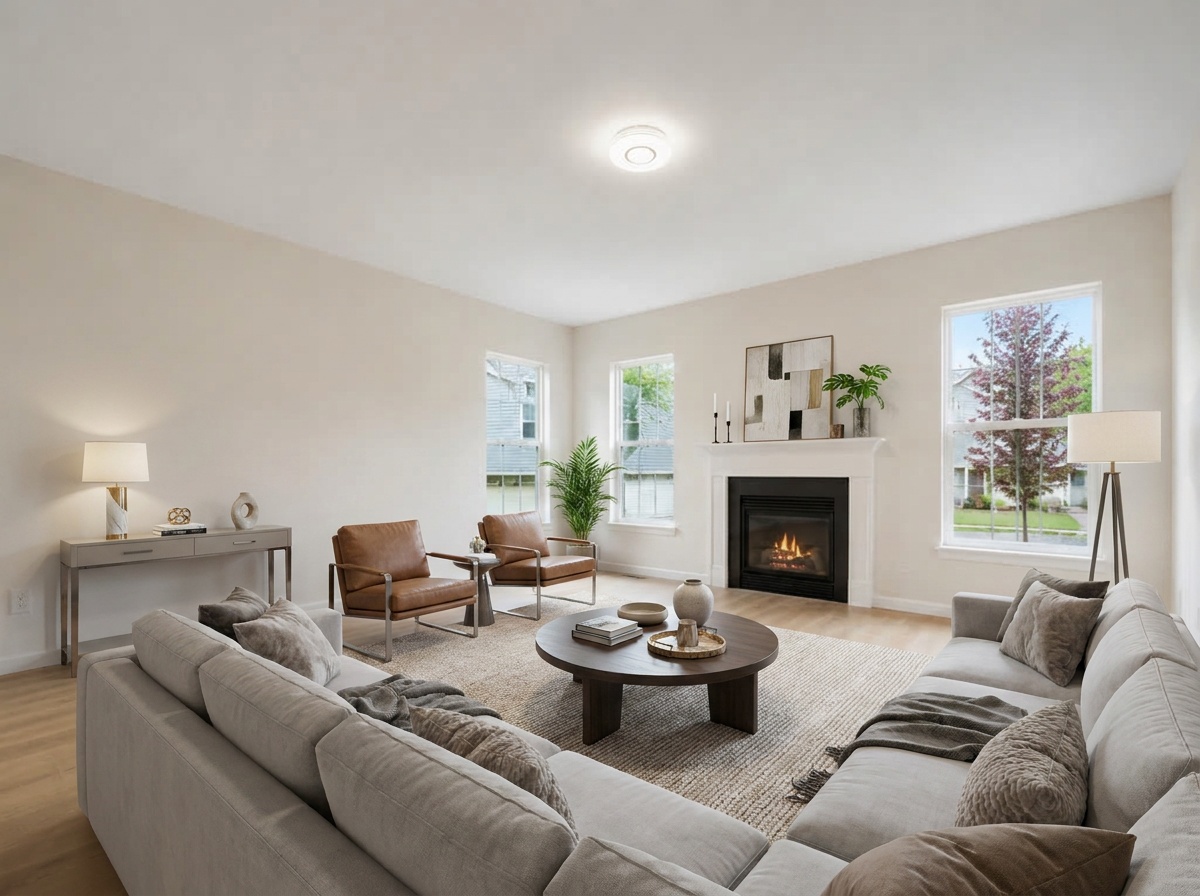
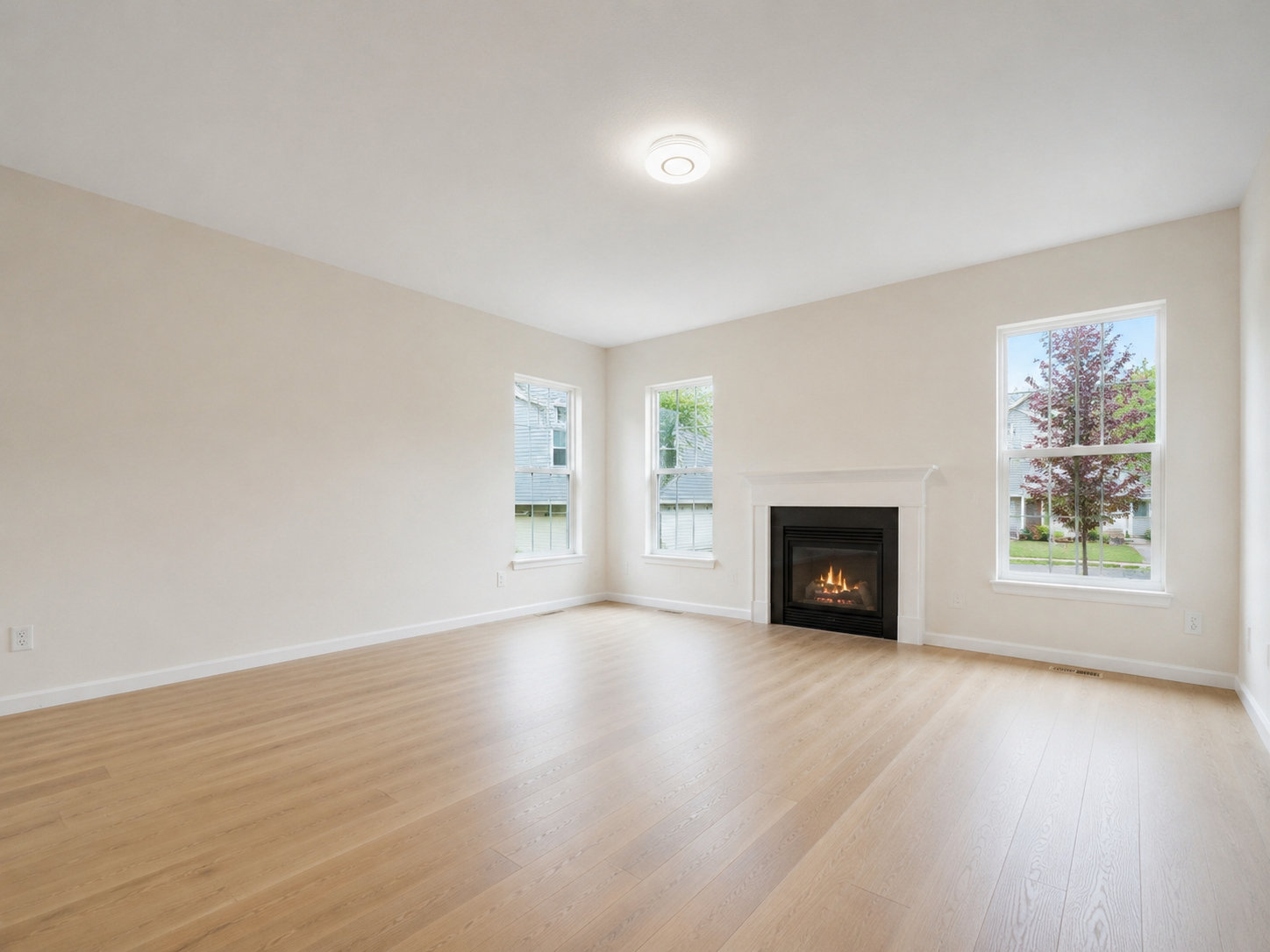
Virtual staging
Add virtual furniture to an empty living room, bedroom, dining room, or other listing space. Choose a style such as Modern or Scandinavian so each photo supports the property's positioning and gives buyers an immediate sense of scale and use.
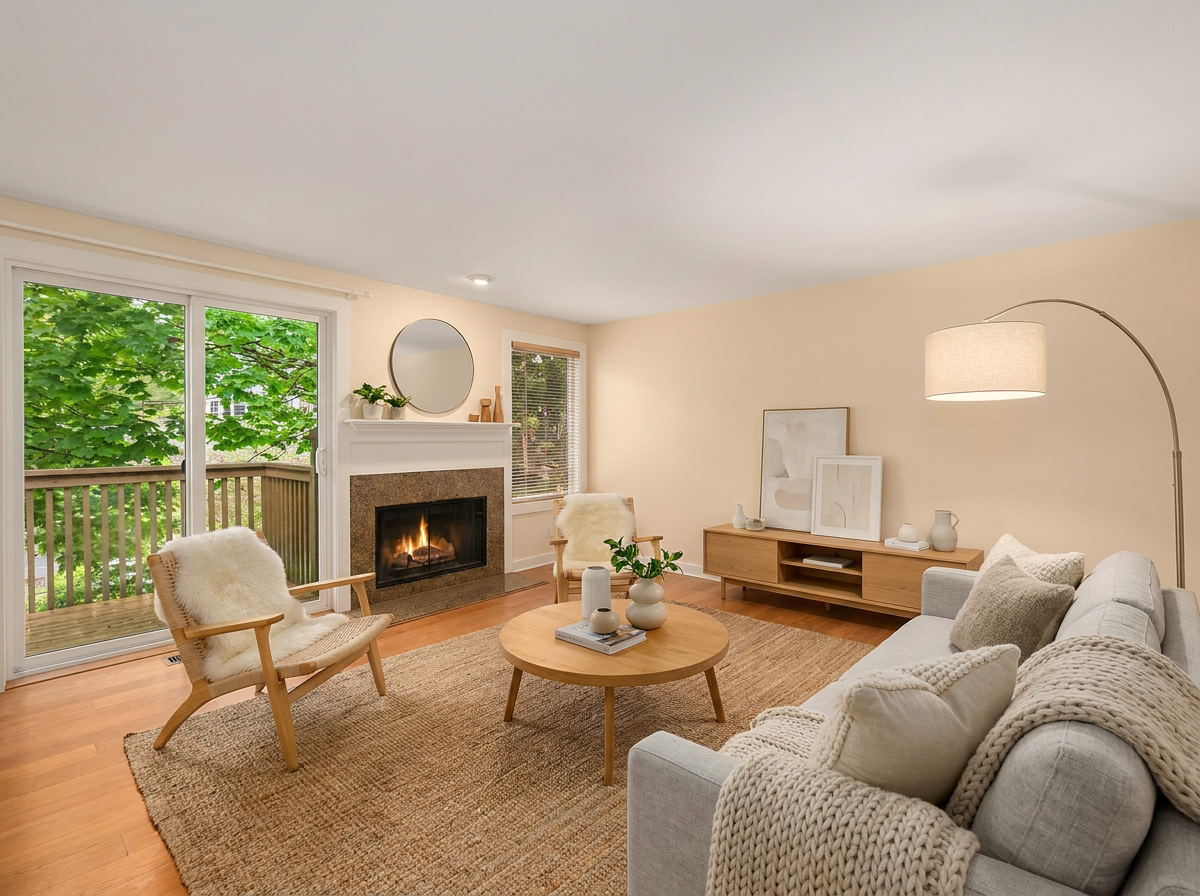
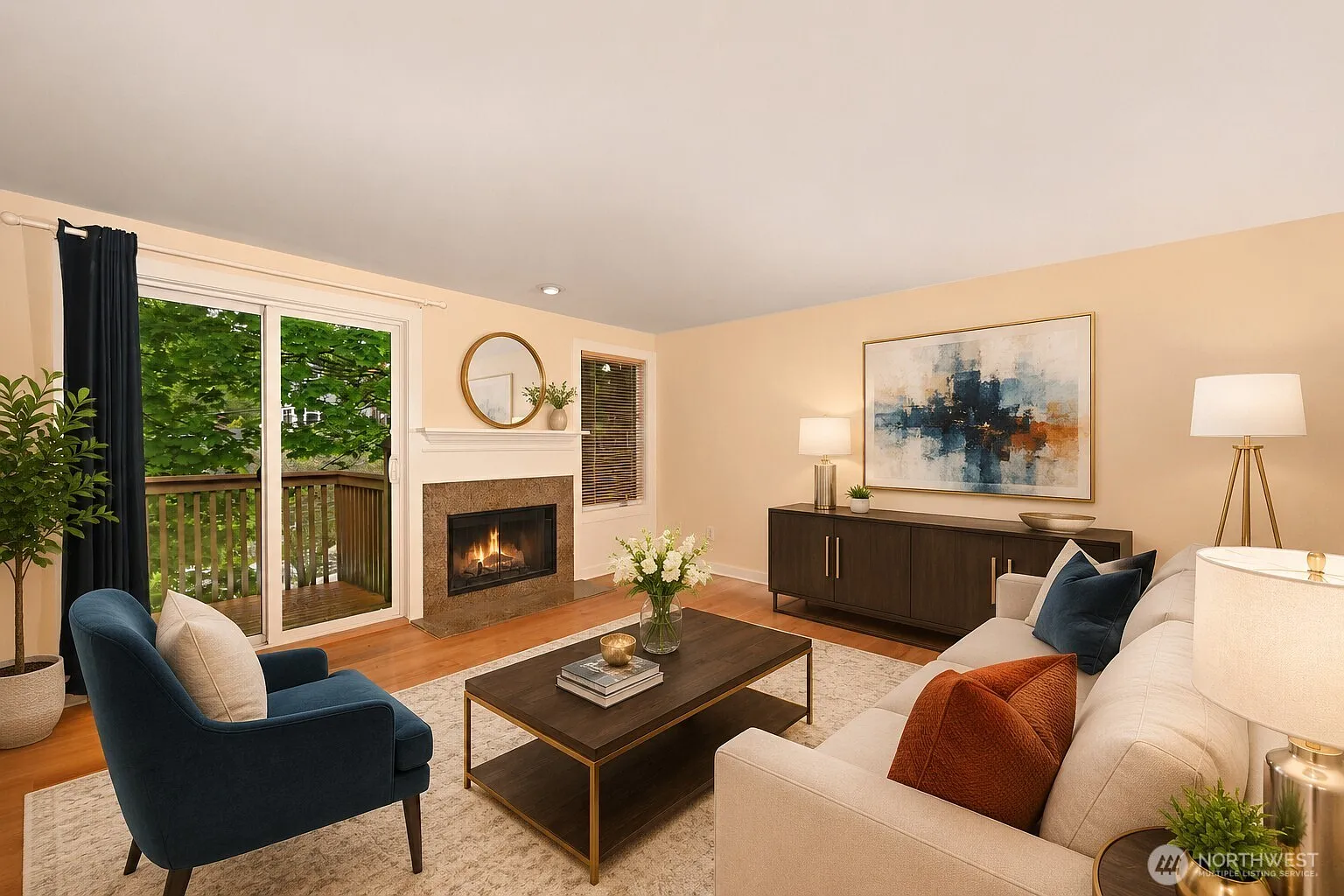
Replace furniture
Replace dated or mismatched furniture with a more suitable visual direction. Choose a room type and furniture style that helps buyers understand how the space could feel without arranging another physical staging appointment.
Fine-tune the details
Fireplace
Ignite or extinguish the fireplace.
TV screen
Choose blackout or a nature scene.
Multi-angle consistency
BetaSix photos. One connected room story. Apply a coordinated furniture style across every view so buyers can move through the listing with a more believable sense of the space.
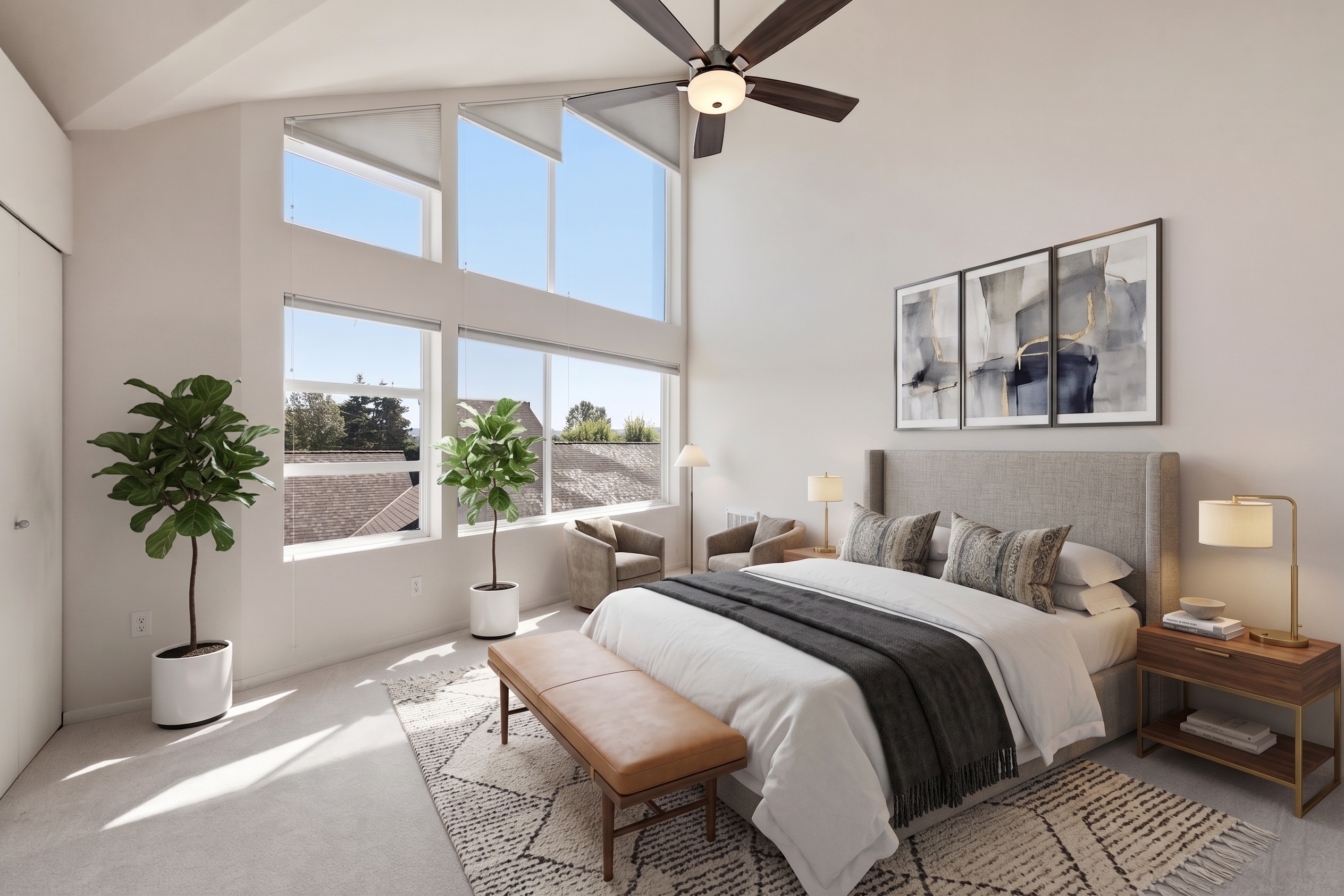
One furniture direction
A coordinated palette, furniture family, and styling language across the full room.
Spatial continuity
Sofas, dining furniture, rugs, and decor remain understandable as the camera moves.
A more believable listing
Buyers see a coherent home presentation instead of unrelated staged images.
Professional workflows
Use virtual staging as a faster listing preparation step or a repeatable client deliverable.
For agents and brokers
For photographers and media companies
From photo to video
VideoGuru connects virtual staging with real estate video creation. Prepare the image, approve the result, and use the same listing media in a polished property video.
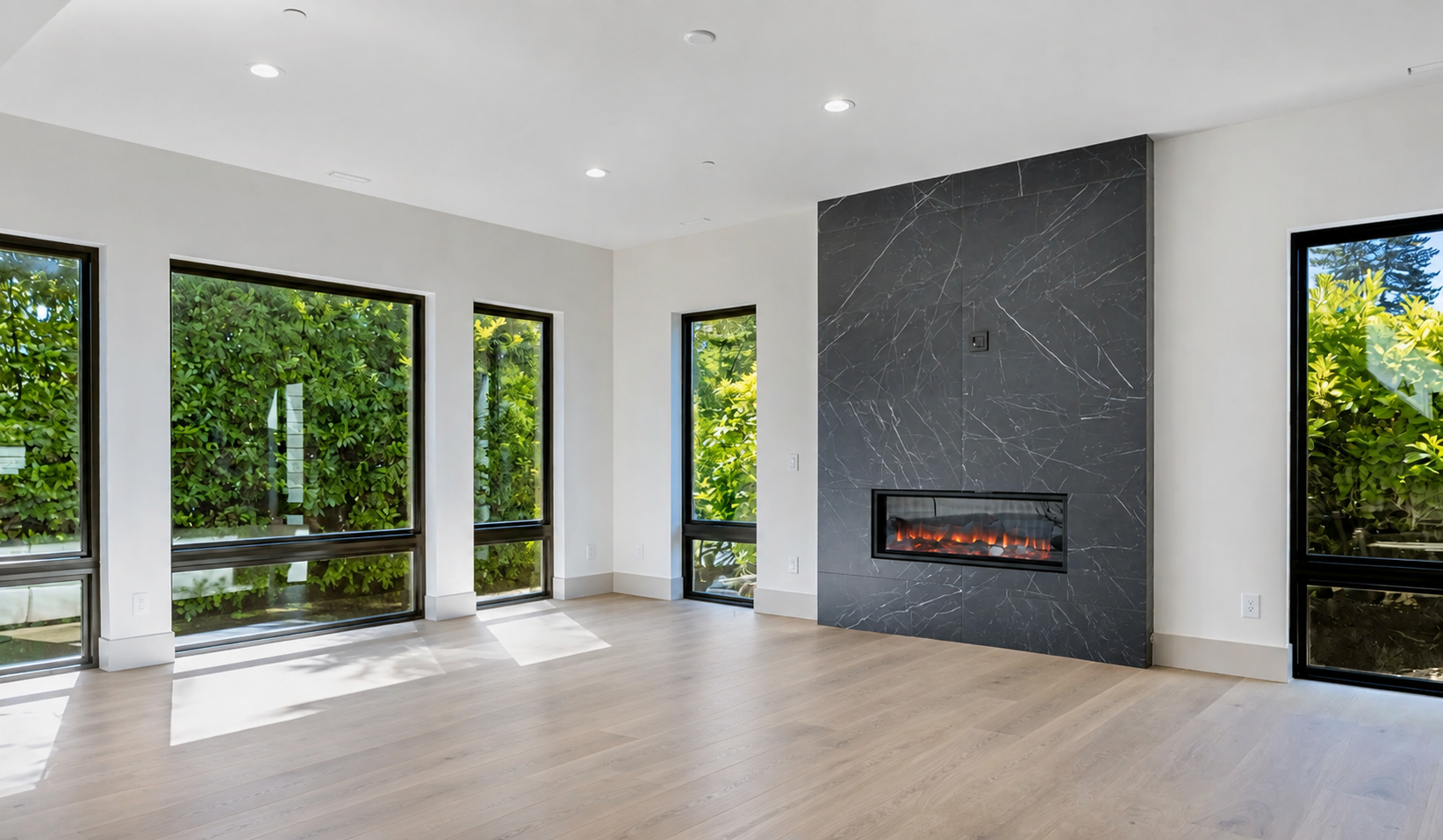
1. Original photo
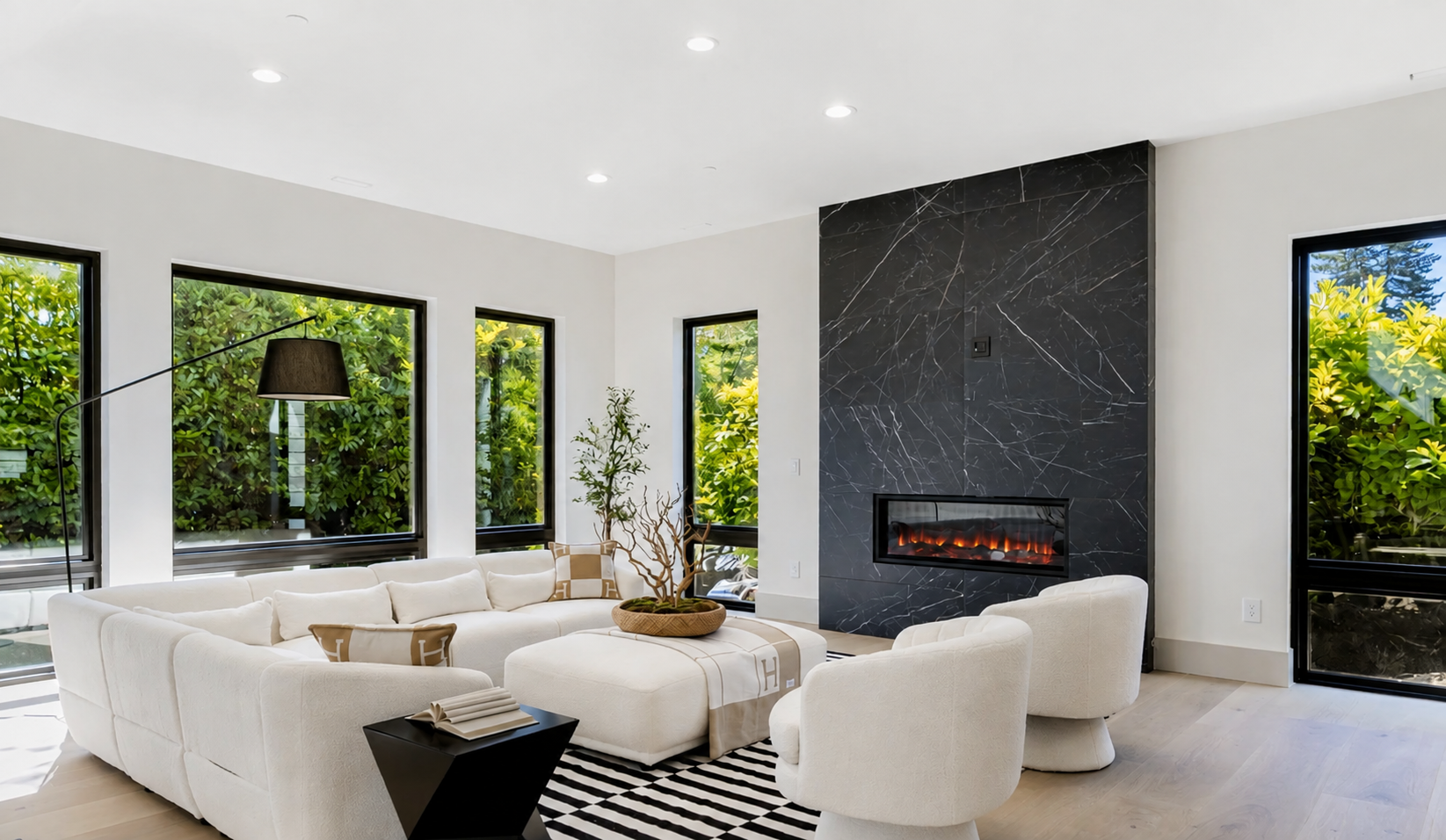
2. Virtual staging
3. Real estate video
Responsible presentation
Virtual staging should help buyers understand a room without misrepresenting its permanent structure or real features.
FAQ
AI virtual staging uses artificial intelligence to add, remove, or replace furniture and decor in a property photo. VideoGuru helps real estate professionals prepare listing images with a guided, one-click workflow, review the before and after result, download the staged photo, or continue with the same images to create a real estate listing video.
Prepare a listing photo, choose a staging direction, and continue into a complete real estate media workflow.