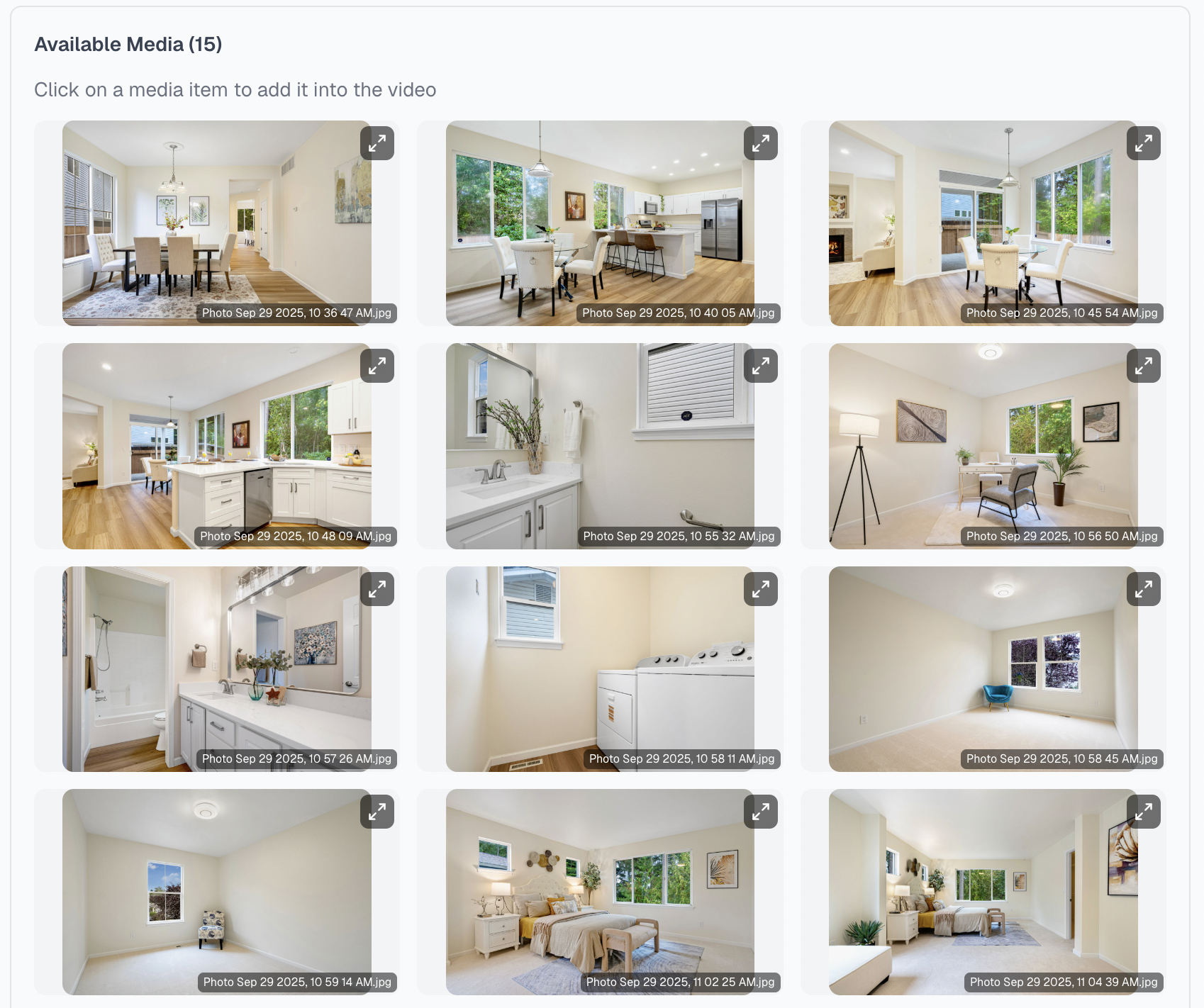
Start with what you have
Start With the Listing Media You Already Have
Use your existing listing photos to begin creating a property video without starting an entirely new production workflow.

Simple to create. Easy to refine. Built to stand out.
Turn listing photos into polished real estate videos without learning complex editing software. VideoGuru combines motion, music, branding, transitions, and effects to create a standout listing video in minutes.
Start with your listing photos, choose the story, and create a polished video for social media and property marketing. Built-in editing tools are available whenever you want to refine a detail.
Create in minutes. No steep learning curve. No professional editing experience required.
Finished result
See how VideoGuru turns a set of listing photos into a polished vertical video with camera motion, music, branding, transitions, and effects - ready for Reels, TikTok, YouTube Shorts, and listing marketing.
Start with your listing photos and let VideoGuru handle the time-consuming production work. There is no need to learn complex timelines, keyframes, transitions, or professional editing software before creating a standout video.
Start with what you have
Use your existing listing photos to begin creating a property video without starting an entirely new production workflow.
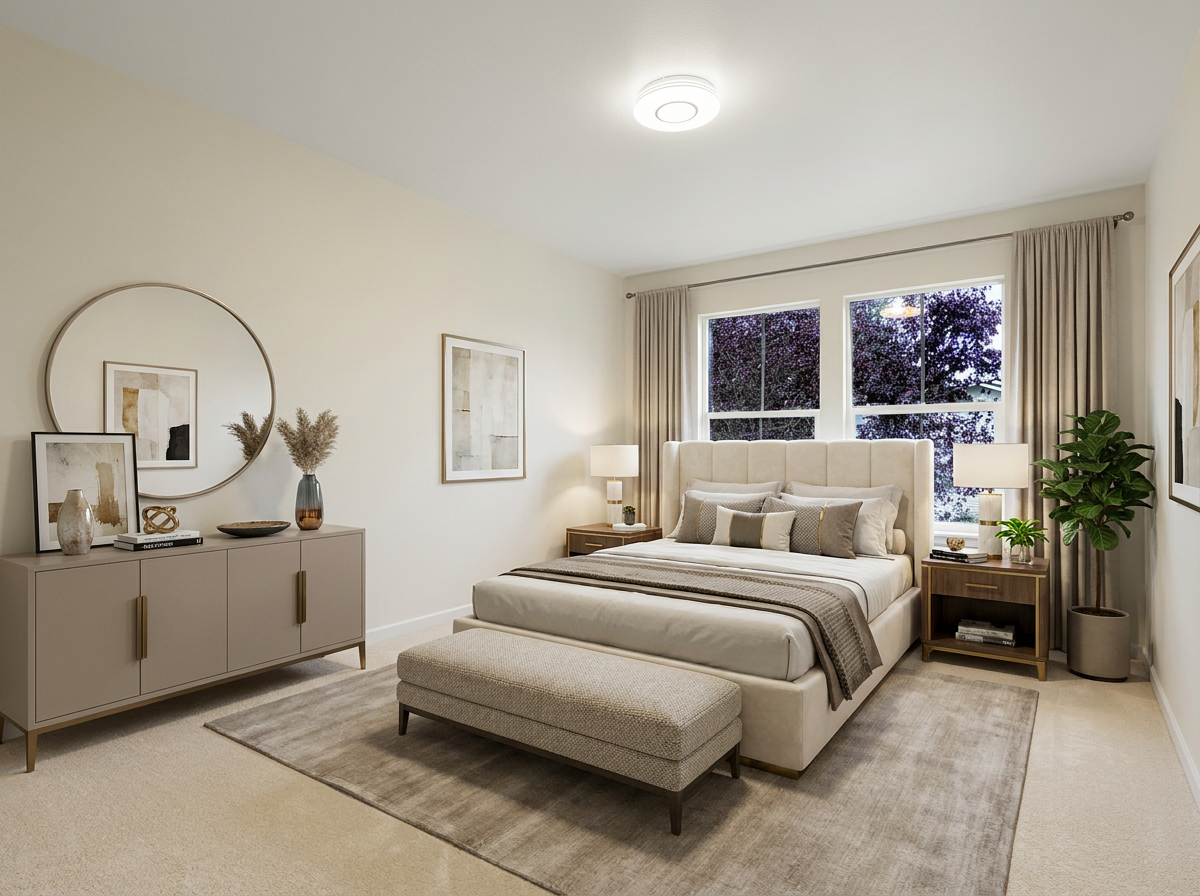
Use original listing photos or photos enhanced with Virtual Staging, Declutter, Furniture Removal, Virtual Twilight, Sky Replacement, or Lawn Enhancement.
VideoGuru adds camera motion, music, branding, transitions, and effects to create a polished video.
Use built-in editing tools to adjust any details you care about, then export for the platform you need.
One connected workflow
Upload your photos, choose the story, let VideoGuru create the video, and review or refine the final details - all in one guided workflow.
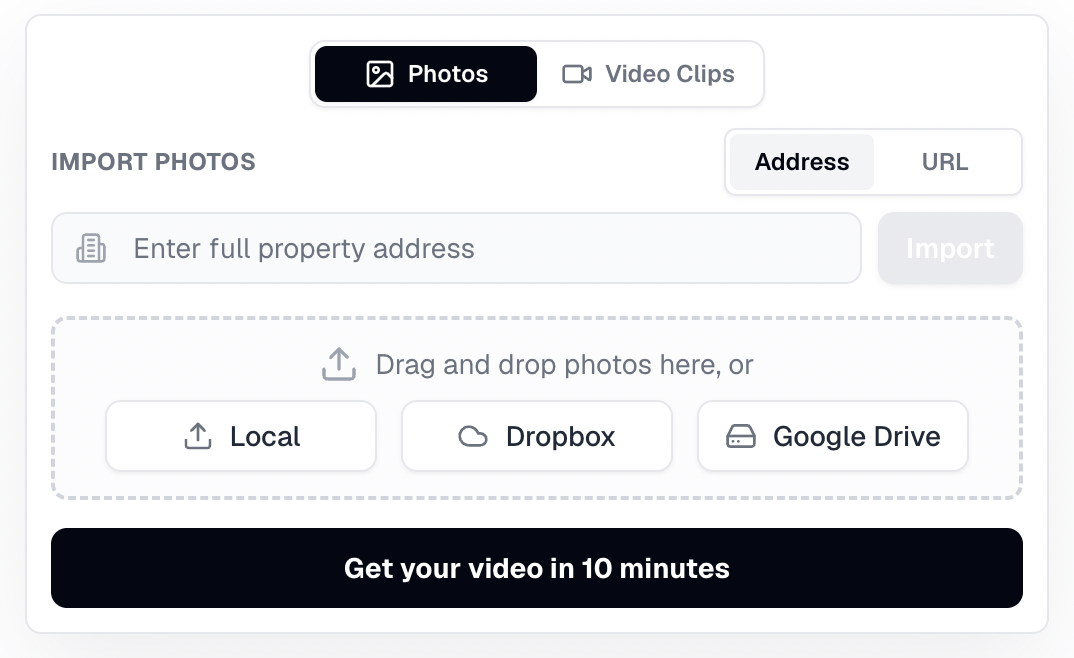
Upload from your computer, Dropbox, or Google Drive, or import using a Zillow URL or property address.
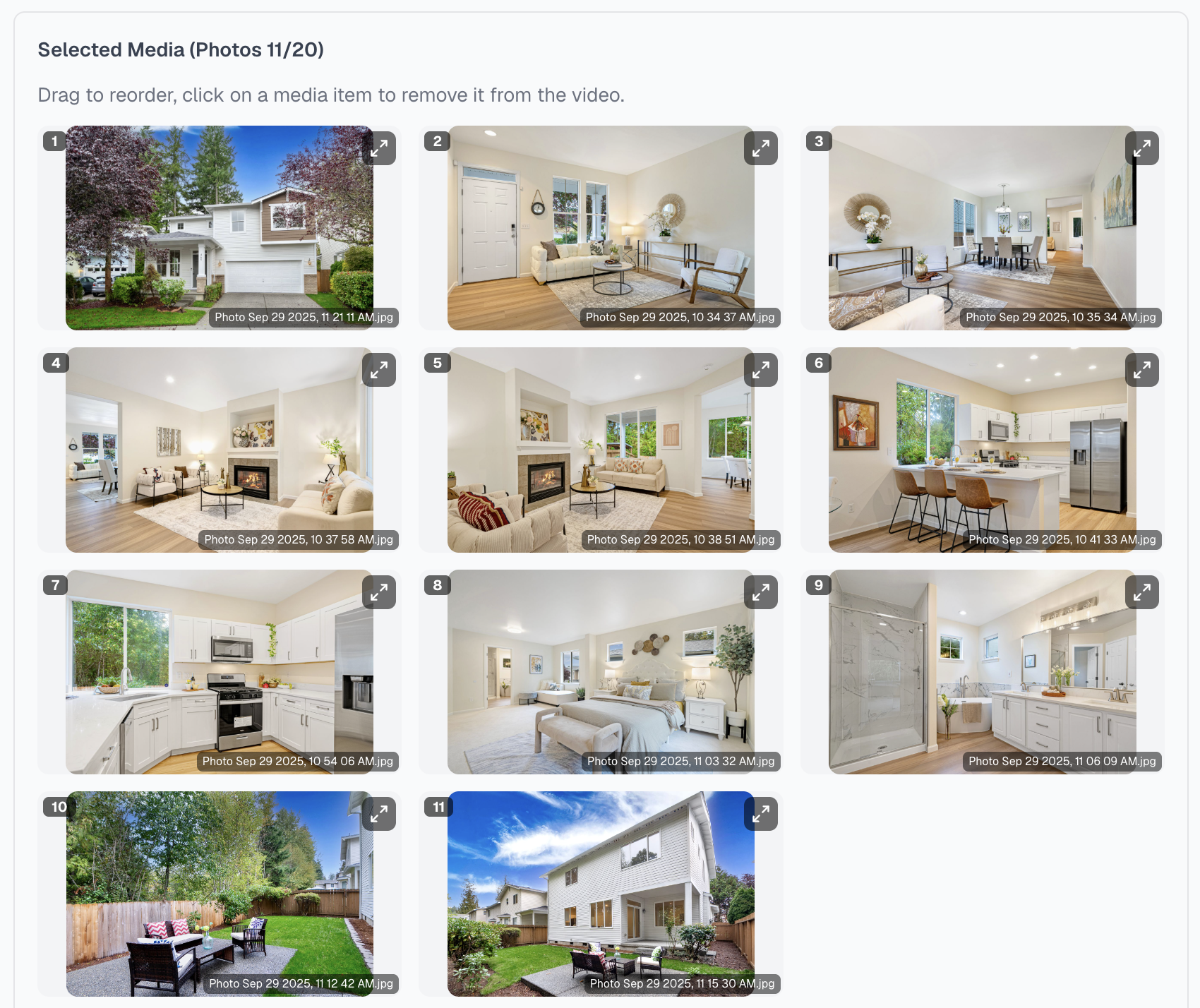
Select the strongest images and arrange them in the order you want buyers to experience the property.
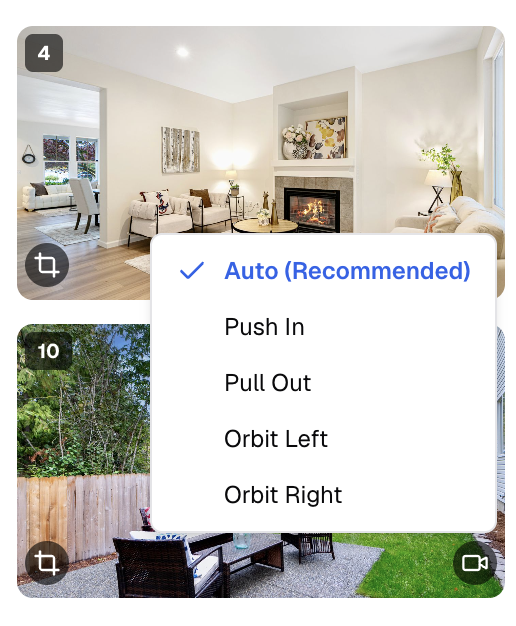
Add camera motion, viral effects, music, branding, and the right format, then let VideoGuru create a polished, ready-to-share video.
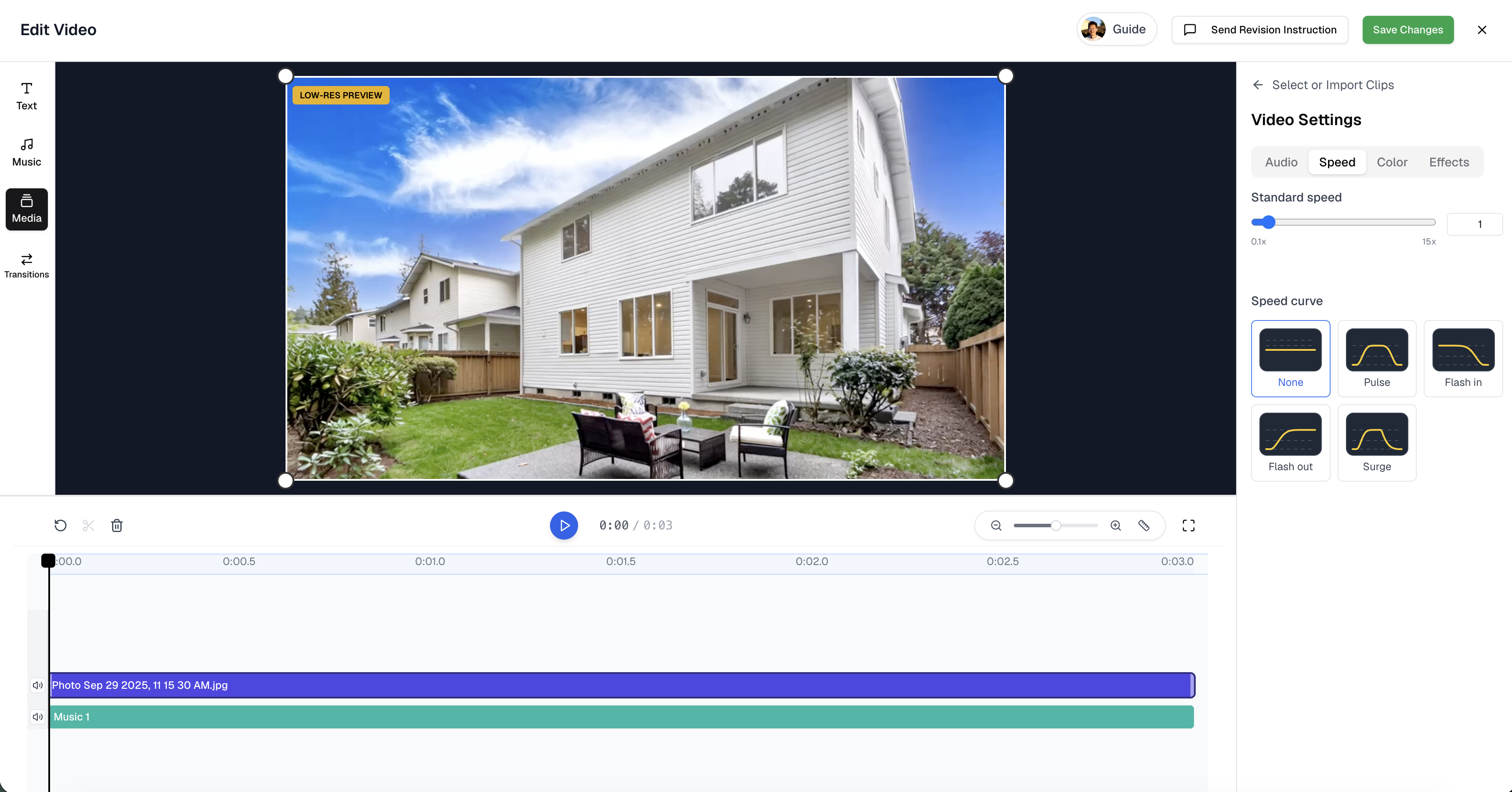
Review the finished video, use built-in editing tools when you want to adjust details, and export for the platform you need.
Built to stand out
Use AI Viral Effects to add attention-grabbing transformations to the moments that matter most, including twilight exteriors, furnishing reveals, renovation transformations, and standout property features.
Designed to make key moments more memorable - not to make every scene feel over-edited.
Your listing video is ready to review in minutes. When you want to make it your own, use VideoGuru's built-in editing tools to adjust pacing, text, transitions, effects, color, branding, music, and audio.
Auto Speed Ramp, trim, reorder, transitions, and timeline editing.
3D Text, Text Behind Person, viral effects, and color adjustments.
Noise reduction, music, and audio balance for projects that include video clips.
Already have footage?
Start from your listing photos, then bring walkthrough clips, drone footage, or phone video into the video studio. Trim, pace, swap, and transition your raw clips right alongside the photo scenes.
Create the listing video from photos first. Then open the video studio and add walkthrough, drone, or phone clips to the timeline next to the photo scenes.
Set trim points and add a speed ramp so raw footage matches the rhythm of the music and the photo scenes around it.
Replace a clip, move it, or change the transition between clips and photos. Branding, music, and export formats stay the same.
Create More Listing Content Without Learning Video Editing
Turn listing photos into polished videos for social media, websites, ads, and property marketing while keeping branding and content consistent across listings and teams.
Add Video Deliverables Without Building Every Project From Scratch
Create an additional client deliverable from existing listing media, refine the result efficiently, and serve more projects without manually assembling every scene.
Unlike a traditional timeline-based video editor, VideoGuru turns your listing photos into a polished video in minutes, with built-in editing available when you want to refine the result.
| Comparison | VideoGuru | Traditional Timeline Editor | Outsourced Production |
|---|---|---|---|
| Starting point | Existing or edited listing photos | Imported assets and a blank timeline | Asset handoff and a production brief |
| Video creation | A polished listing video created in minutes | Built manually, clip by clip | Created by the provider |
| Real estate workflow | Photo order, camera motion, branding, music, and AI effects | Tools and settings configured manually | Depends on the provider and brief |
| Photo editing connection | Edited photos continue directly into video | Usually handled in a separate tool | Usually a separate request or vendor |
| Final control | Optional built-in editing for further refinement | Full manual editing control | Changes handled through revision requests |
| Output workflow | 9:16 or 16:9, branded or unbranded | Every export configured by the user | Depends on the delivery agreement |
Photo-based production gives teams a faster way to create more listing content while preserving final creative control.
Hear directly from real estate professionals using VideoGuru in their content workflows.
Agent testimonial
This customer-provided video is presented directly so you can hear the experience without invented performance claims, timelines, or business results.

Founder & Photographer
WENDELL & ANTHONY MEDIA
“VideoGuru has made creating real estate videos much easier for our team and fits seamlessly into our workflow. The AI Effects feature is a real game changer. With just a few clicks, we can add effects like Twilight or Virtual Staging, and the final video looks significantly more polished.”
Washington, D.C.

Co-Owner & Photographer
Northwest Photography & Media
“I absolutely love how easy it was to upload, include my video requirements and tailor the music. The final output was exceptional. I look forward to a long business relationship with Felix!”
Eugene, OR
A real estate video maker turns property media into a video for listing marketing. With VideoGuru, you can create an AI real estate video in four guided steps: upload your listing photos, choose the story, let VideoGuru add motion, music, branding, transitions, and effects, then review and export. You can create a polished, standout video in minutes without learning a complex timeline or assembling every scene manually.
Turn your listing photos into a polished property video, add attention-grabbing AI effects, and refine the final details - all without learning complex editing software.
Built for real estate agents, brokers, photographers, and media creators.